
Mobile Payment Apps: Simplifying Transactions in Turkey
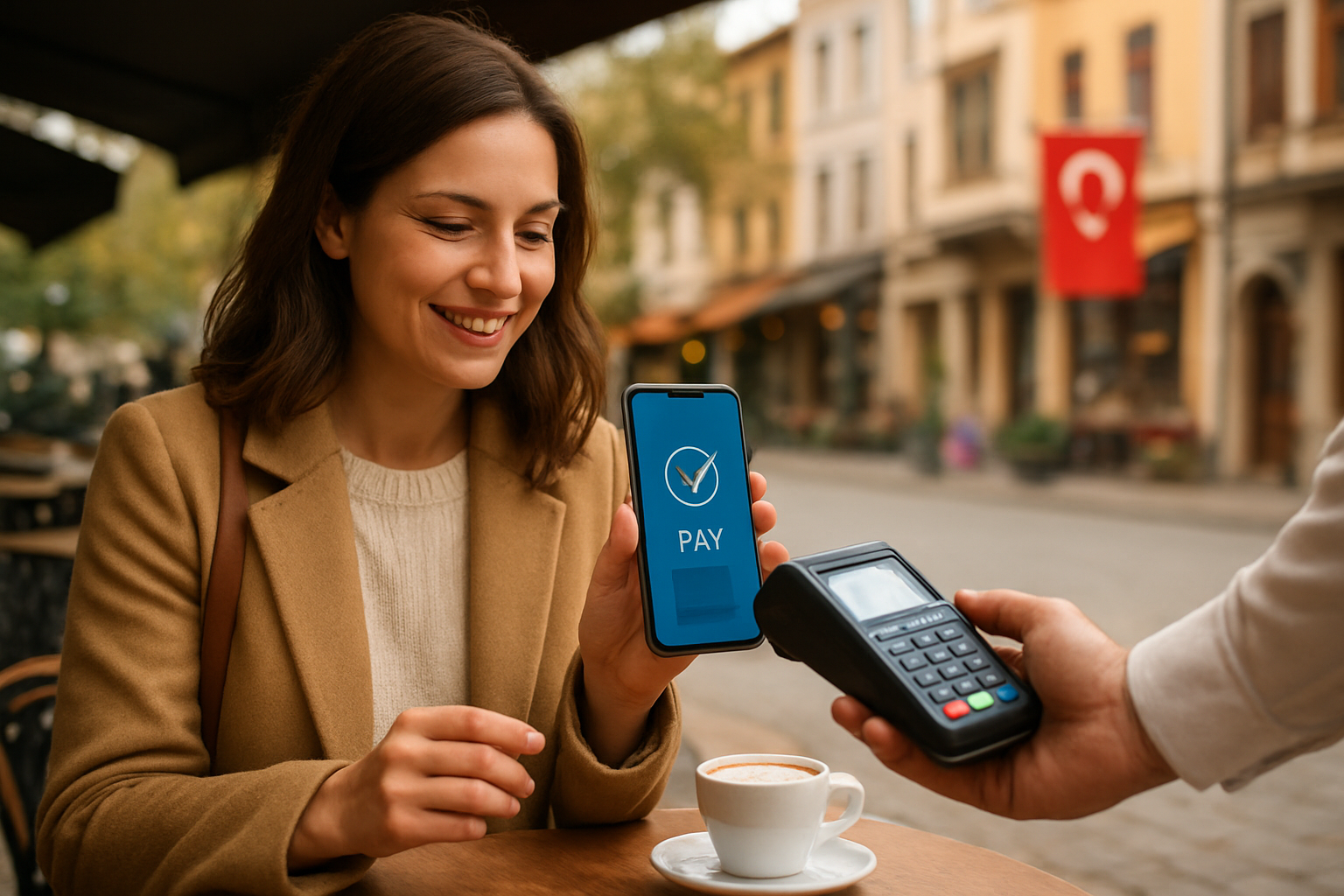
Moving to Turkey brings excitement and new routines, but it also brings practical challenges. Many expats juggle language differences, unfamiliar payment systems, and a mix of cash-first merchants and modern digital sellers. Mobile payment apps help you manage daily expenses, pay bills, and transfer money without standing in long bank queues or learning every bit of Turkish banking jargon.
Why mobile payments matter for expats in Turkey
Mobile payments reduce friction when you handle everyday transactions. You avoid carrying large amounts of cash and skip ATM fees that add up. You also get instant records of transactions that simplify budgeting and tax documentation.
Apps let you pay utilities, top up phones, and transfer rent amounts to landlords using an IBAN. You complete those tasks in minutes on your phone, even if your Turkish stays basic. That convenience matters when you manage work, family, and settling-in tasks.
Common mobile payment options and how they work
Turkey uses a mix of bank apps, e-wallets, and card-based payments. Most banks offer feature-rich mobile apps that support transfers (EFT and Havale), bill payments, and QR or NFC-based merchant payments. E-wallets provide fast peer-to-peer transfers and easier signup for people who prefer not to open a full Turkish bank account right away.
- Bank mobile apps: link your Turkish bank account and use IBAN transfers, scheduled payments, and bill pay.
- E-wallets and prepaid apps: move small amounts quickly, split bills with friends, and pay at small merchants.
- Contactless and QR payments: use NFC or QR codes at markets, restaurants, and online checkouts.
- Top-up services: load transit cards and prepaid phones directly from apps.
Setting up and verifying apps: clear steps for expats
Start by choosing an app that supports English or your preferred language. If you already have a Turkish bank account, download your bank’s official app from the App Store or Google Play. Use two-factor authentication and register your phone number quickly to receive SMS codes.
If you don’t have a local bank account yet, sign up for a reputable e-wallet that accepts foreign cards or basic identity verification. Keep your passport and residence permit information ready for verification steps. Link a debit or prepaid card to make immediate payments while you wait to complete full verification.
Set up recurring payments for rent, utilities, and internet to avoid late fees. Save beneficiary IBANs and merchant QR codes so you can repeat payments in seconds. Configure push notifications so you track each transaction as it happens.
Practical examples you can use today
Paying rent: Ask your landlord for an IBAN. Enter the IBAN in your bank app or e-wallet, set the amount, and schedule a monthly transfer. The app records the transaction and you keep a receipt screenshot for rental records.
Buying groceries: Many supermarkets accept card or QR payments. Scan the merchant QR code or tap your phone if the terminal supports contactless NFC. You leave with a digital receipt and no need to count cash.
Taking transit or topping up cards: Use your phone app to top up public transport cards or buy single-ride passes. When you ride, the gate reads the card as usual. You save time and avoid lines at kiosks.
Splitting bills: After dinner with friends, send a quick peer-to-peer transfer to split the check. Use the app’s “split” or “request” feature when available to avoid awkward cash exchanges.
Security, fees, and troubleshooting
Choose apps with clear fee structures and local currency (TRY) support to avoid surprise conversion charges. Review transfer limits and currency exchange rates when you send money abroad. Compare fees for faster transfers versus standard options.
Protect your accounts with strong passwords, biometric locks, and two-factor authentication. Check transaction notifications immediately and report any suspicious activity to your bank or app provider. Keep app updates current to benefit from security patches.
If a payment fails, confirm the recipient IBAN, check your app’s balance, and look for error codes. Contact customer support with screenshots and transaction IDs. Many apps provide in-app chat or fast phone support in English.
Final tips for a smoother experience
Start small to learn each app’s flow. Use recurring payments for fixed monthly costs and keep a backup payment method for emergencies. Maintain a lightweight spreadsheet or notes app to track which app you use for specific bills, like utilities, rent, and transport top-ups.
Mobile payments speed up daily life and improve financial control. You get instant records, avoid cash hassles, and reduce time spent in queues. With clear setup steps and basic security habits, apps become a reliable part of living in Turkey.